Searching for Products
Finding the right product on GaijinMall is quick and easy. Use our powerful search and filtering tools to discover exactly what you need.
1. Using the Search Bar

- Enter keywords related to the product you want in the search bar at the top of any page.
- Suggestions will appear as you type, click on any to go directly to matching results.
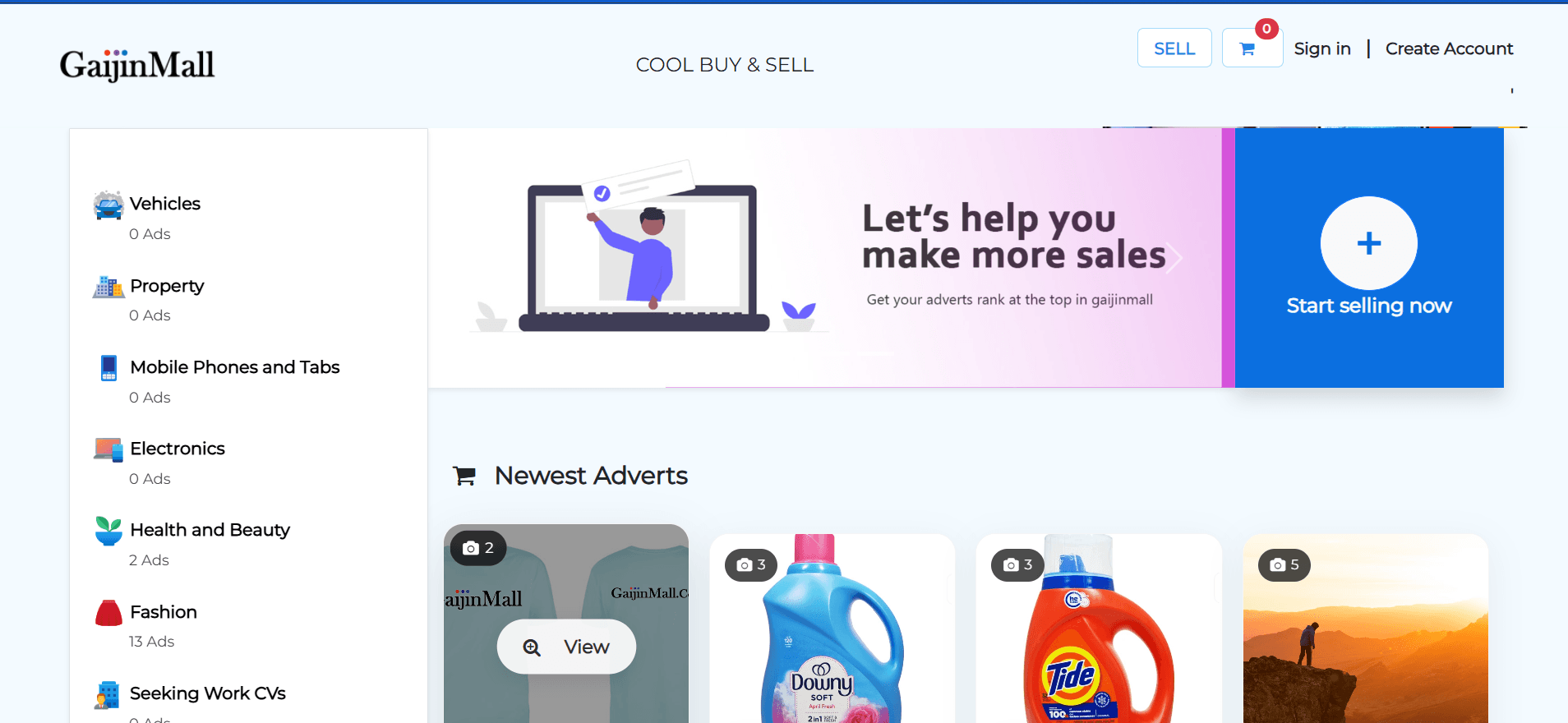
2. Browsing by Category
- Explore products by selecting a category from the homepage or menu (e.g., Electronics, Fashion, Vehicles).
- Subcategories help you narrow down your search even further.
3. Tips for Effective Searching
- Use specific keywords (e.g., “Samsung Galaxy S21” instead of just “phone”).
- Try different spellings or related terms if you don’t find what you’re looking for.
- Save your favorite searches or products for quick access later.
Can’t find what you need? Reach out to Contact & Support for assistance or to suggest new categories.
Last updated on