📦 Managing Incoming Orders
As a seller on Gaijinmall, staying on top of your incoming orders is essential for timely delivery and customer satisfaction. This guide explains how to view, update, and fulfill your orders efficiently.
Where to Find Your Orders
-
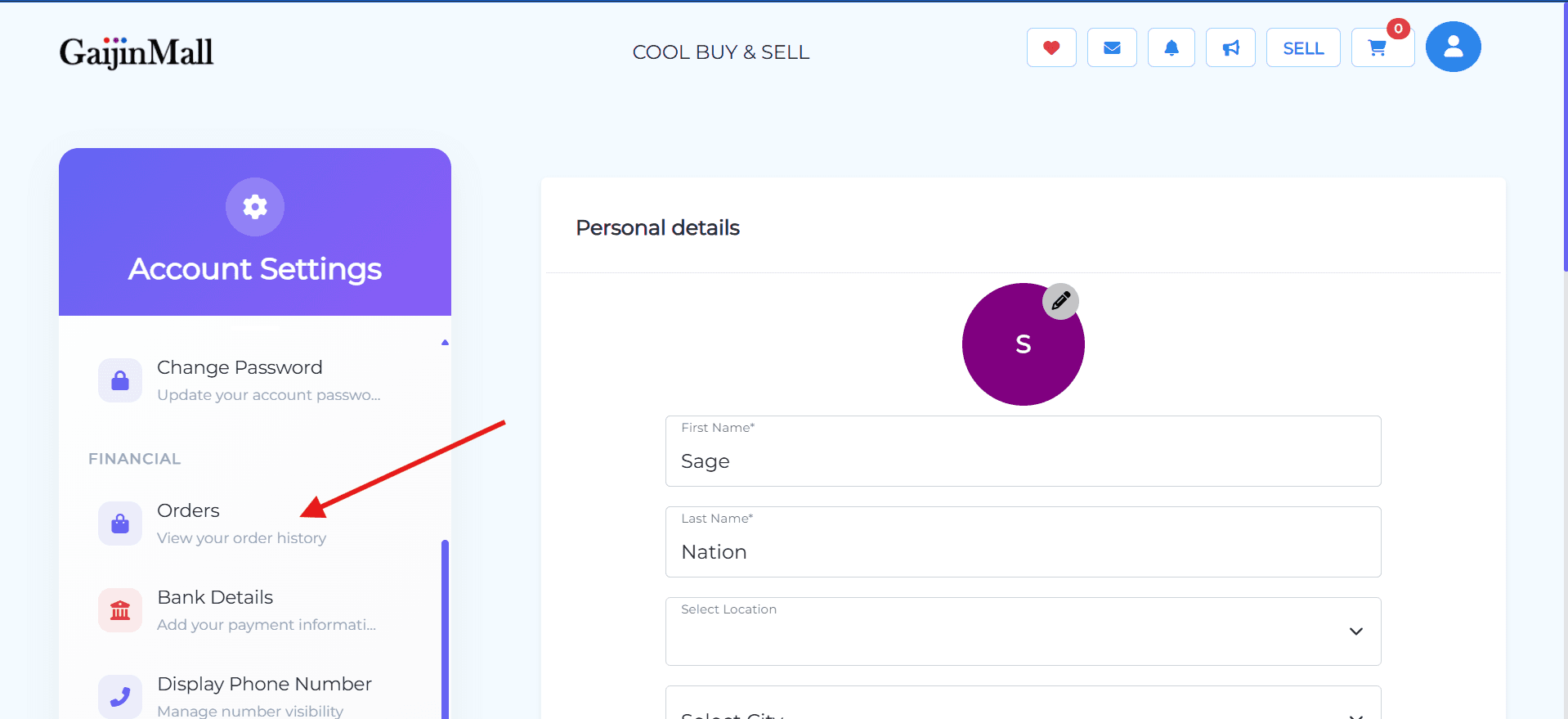
Open Your Dashboard: Tap the profile icon at the top-right of the homepage and select your dashboard.
-
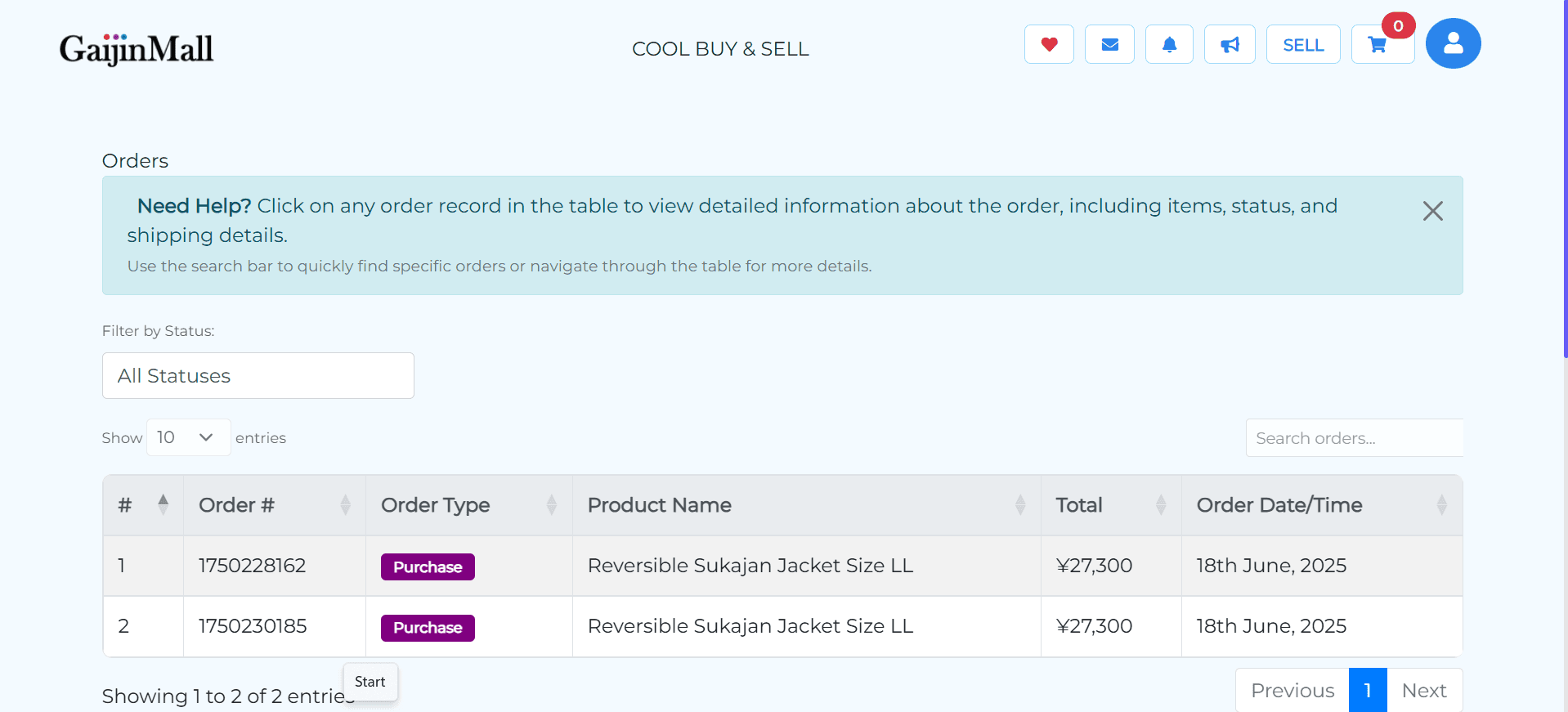
Go to “Orders” Section: From your dashboard, tap on the Orders section to see all of your incoming sales.
Understanding Order Statuses
Each order has a status that helps you track progress:
- Pending – A buyer placed an order but it’s awaiting your confirmation.
- Accepted – You’ve acknowledged the order and will fulfill it soon.
- Shipped / Out for Delivery – The item has been sent.
- Delivered – The buyer has received the item.
- Cancelled – The order was cancelled by you or the buyer.
Managing Orders
✅ Accepting an Order
- Select a Pending order.
- Review buyer details and delivery address.
- Tap Accept Order to proceed.
📦 Marking as Shipped
Once you’ve prepared the item:
- Open the Accepted order.
- Tap Mark as Shipped and provide tracking info (if available).
- The buyer will be notified automatically.
✅ Marking as Delivered (If Manual)
If your platform requires sellers to manually confirm delivery:
- Go to the order.
- Tap Mark as Delivered once you confirm it has been received.
💳 Confirming Payment & Shipping
This is a key part of your client’s request.
- Confirm Payment: Before you ship, go to Bank Details or Transaction History in your profile and ensure the order shows a “Paid” status.
- Update Tracking: After shipping, add the tracking number to the order details. This helps both you and the buyer monitor the delivery progress.
Cancelling an Order
If you’re unable to fulfill an order:
- Open the order details.
- Tap Cancel Order and provide a reason.
- The buyer will be notified, and any payment will be refunded if applicable.
💡 Tips for Smooth Order Management
- Keep your product availability up to date.
- Respond to orders quickly to avoid cancellations.
- Package items securely and include tracking when possible.
- Maintain clear communication with buyers.
🆘 Need Help?
If you have issues with order updates, payments, or deliveries, visit Contact Support for quick assistance.
Last updated on