💰 How to Post a Pay-to-Post Advert
Pay-to-Post adverts are for specific, high-value categories such as Job Hiring, Service Rendering, and Property. Unlike free listings, these ads require a one-time payment to be published on the marketplace.
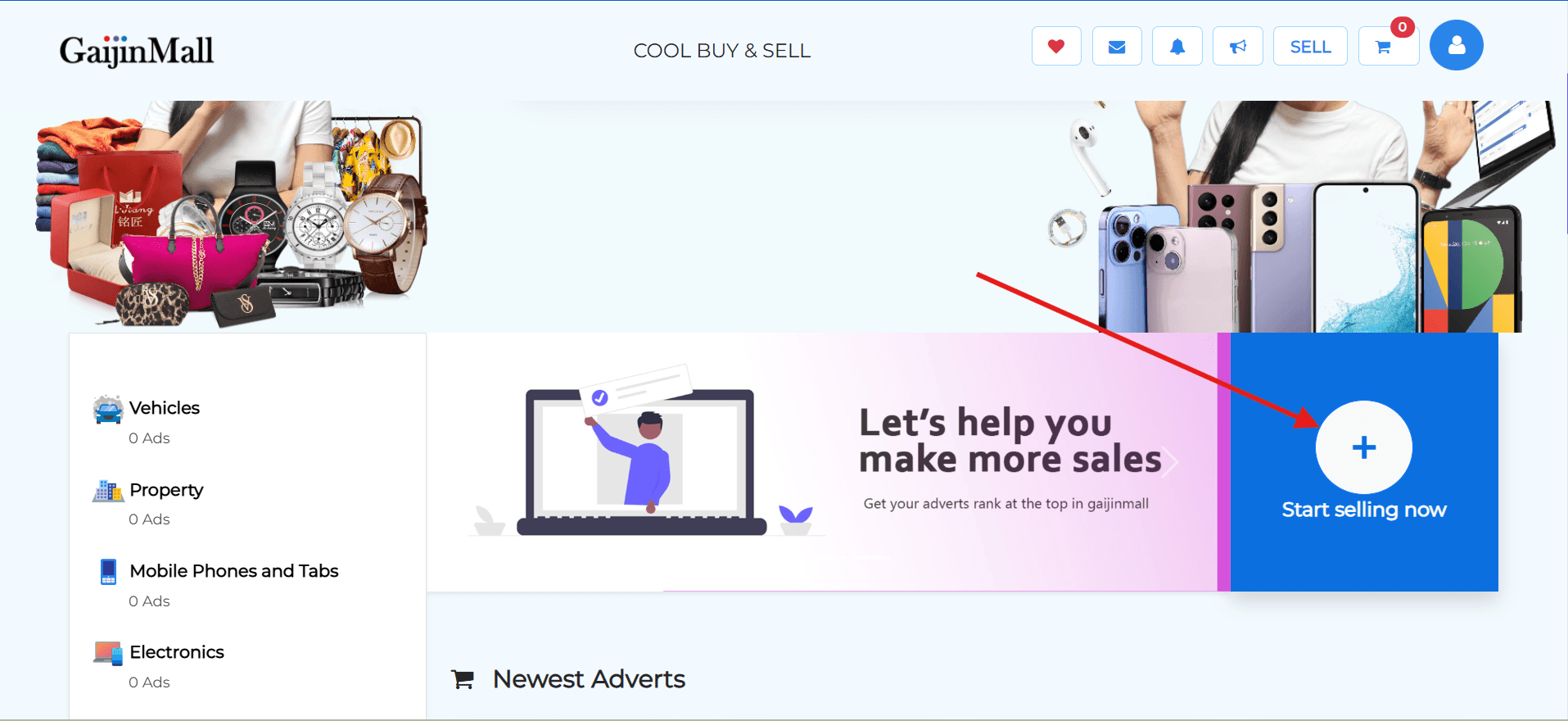
1. How to Create Your Ad
The process for creating a Pay-to-Post ad is similar to creating a regular ad, with an extra step for payment.
- Go to the Sell Section: Tap Start Selling and select the category for your ad (e.g., “Job Hiring” or “Property”).
- Fill Out Product Details: Provide all the necessary information, including the title, description, and location.
- Submit for Payment: Instead of publishing for free, you will be directed to a payment page to complete your order.
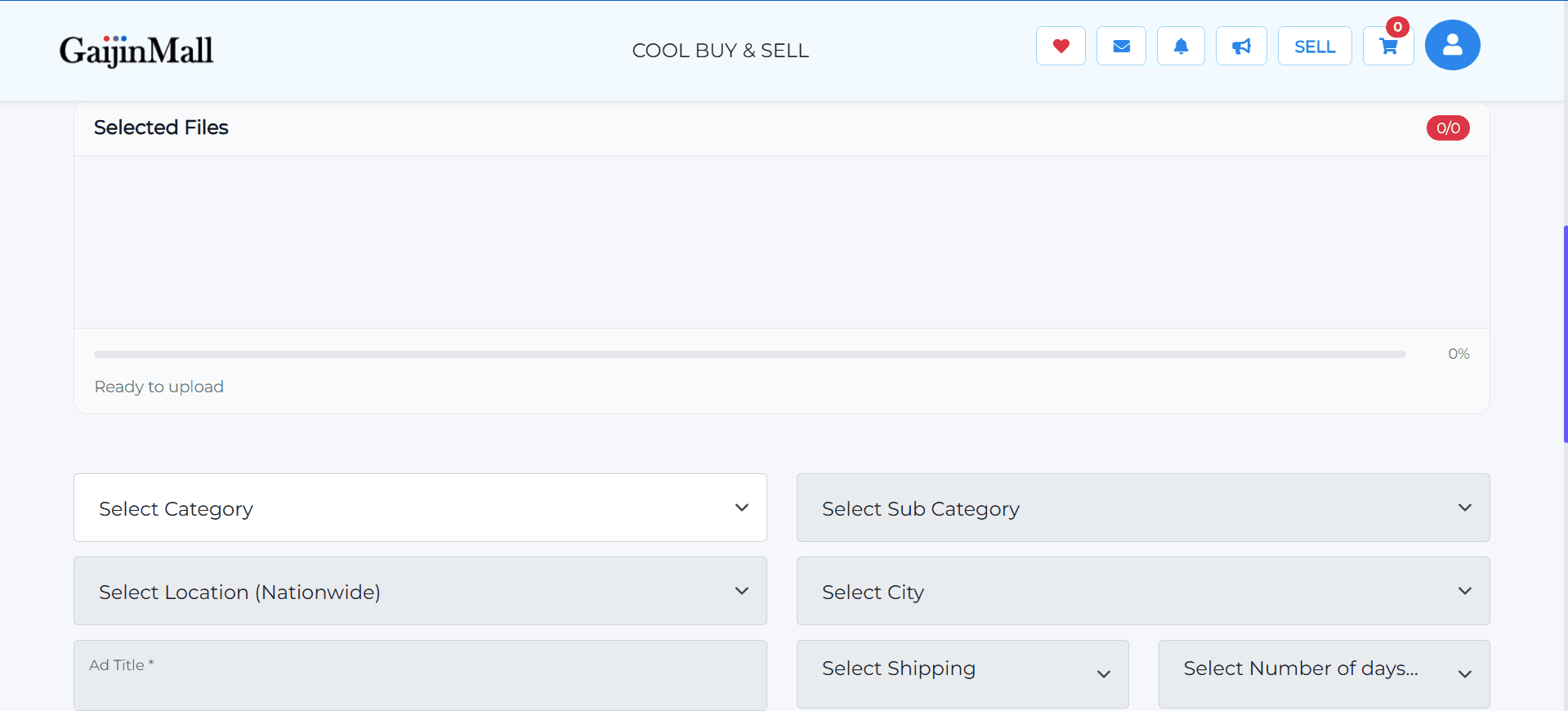
2. Choosing a Payment Method
After you submit your ad, you will be taken to a payment page.
- Choose How to Pay: Pick from the available payment options.
- Confirm and Submit: Complete your payment to publish the ad.
Add Screenshot: A picture of the ad creation form that shows the payment step.
3. What Happens Next?
Once your payment is confirmed, your ad will be live on the Gaijinmall marketplace.
- It will be visible to potential buyers and clients in its category.
- You can manage the ad from your dashboard at any time.
Tip: Pay-to-Post ads are a great way to attract serious inquiries for your services and properties.
Last updated on