✅ Verify Your Business
Verifying your business on Gaijinmall builds trust with buyers and unlocks additional features. This process helps us confirm that your business is legitimate and trustworthy.
1. Requirements for Verification
To begin the verification process, ensure you have:
- A completed seller profile
- A valid Japanese phone number (This is a required security step for all vendors).
2. How to Get Verified
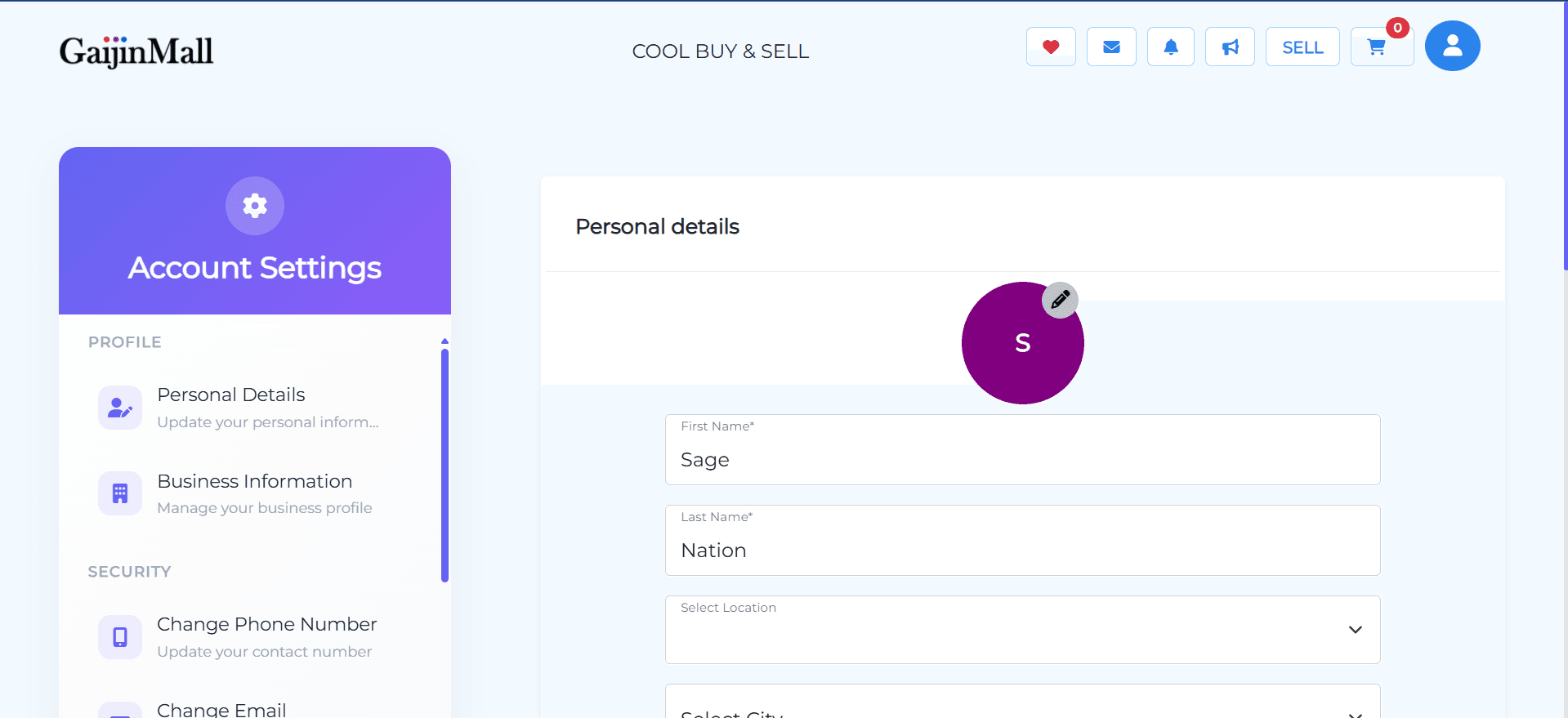
- Go to Your Profile Settings: Navigate to the Profile Settings page from your dashboard.
- Complete Business Information: Fill in all the required fields under the Business Information section. This includes your store name and other business details.
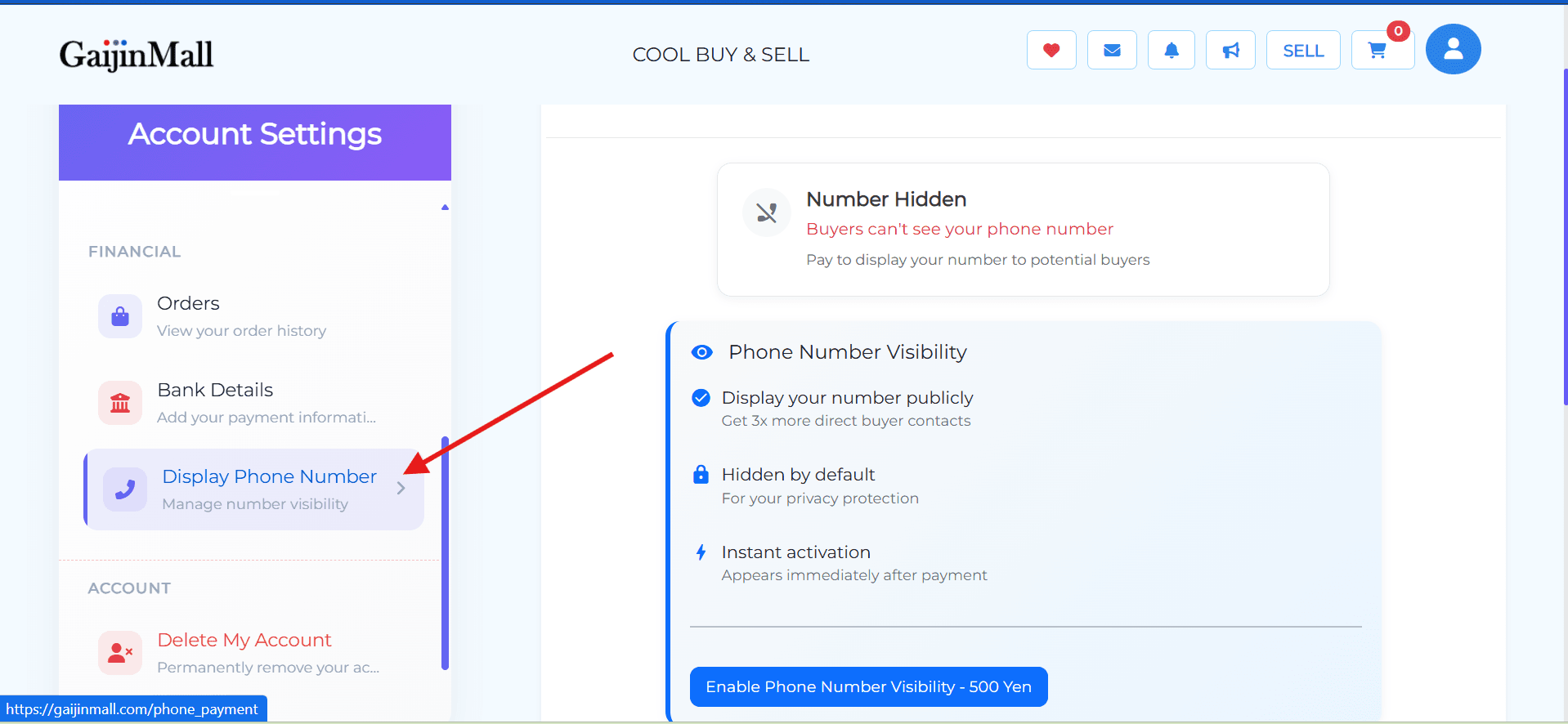
- Ensure Your Phone Number is Visible: Make sure your phone number is enabled to be visible to potential buyers.
3. Benefits of a Verified Account
- Increased Trust: Buyers are more likely to purchase from a verified business.
- Access to Features: Verification may unlock access to certain features, like promotions or special ad categories.
- Enhanced Security: It helps protect your account from fraud and other security risks.
🆘 Need Help?
If you are having trouble verifying your business, please visit our Contact Support page for assistance.
Last updated on